Turn an idea or a finished script into an AI-narrated video with illustrated scenes, optional scene animation, subtitles and music. Shape every scene, then export a video ready to share.
Free to use · Unlimited Relax Mode · Commercial use
Free welcome or earned credits; automatic lower-priority Relax when credits are insufficient and no surveys are available, subject to eligibility, fair use and free capacity. Optional paid credits provide faster processing. No subscription is required. Commercial use is subject to the Terms.
A short editorial montage of existing AI clips at their original speed. The complete story includes 42 scenes, English narration and captions. Both versions are curated examples, not an unattended benchmark or a Relax latency test.
No lifetime generation quota. Working-library, storage and per-video limits depend on the feature. Processing is not instant or uninterrupted.
Each operation joins the normal lower-priority Relax queue. Media within the same admitted operation share its initial wait, then process sequentially with fresh capacity and daily-budget checks. Separate operations and regenerations have their own admission and wait. Completion time varies; long projects can take days.
Eligible Relax spends no account credits and activates automatically; there is no separate switch to find. Your generated assets can be used commercially under the Terms, subject to third-party rights and the rights in your inputs.
Still scenes / Generated motion / One editable video
Animate your scenes, including in eligible free Relax Mode
Optionally animate selected scenes or all eligible scenes with Fast (480p) or Quality (LTX, 1280 × 704 or 704 × 1280 source resolution) five-second silent clips, in 16:9 or 9:16. The assembled Full Video export is 720p. Motion is slowed to fit longer narration; this is not continuous character animation or lip-sync. Comic and square scenes are not supported by scene animation. Both public animation options support eligible Relax Mode with the same configured wait and lower priority as other Relax operations, without spending account credits.
Generate and review the scene image first. Choose Animate for selected scenes or all supported scenes, then choose Fast or Quality. Keep narration, captions and music in the same project. Credit-funded animation shows its price before you start; eligible Relax shows zero account credits and uses the normal free queue.
Review hands, faces, objects and movement before export. Regenerate a weak clip, keep the still image or animate only the shots that benefit from motion. The separate AI Video Generator remains available for standalone clips.
Product facts / In plain sight
Full Video Creator at a glance
Maximum requested duration
Up to 20 minutes
Resolution
720p HD
Formats
16:9 · 9:16 · 1:1
Input
An idea or a finished script; overlong scripts are adapted for review.
Describe a topic, audience and tone, or paste finished narration. Choose the language and video shape. Donatello prepares a storyboard; supported scripts keep their wording, while longer scripts are adapted for review.
02 / Shape
Review your characters and scenes
Edit the script and visual prompts before generating images. Choose a visual style and use character references to guide recurring appearances. Review results: consistency is a goal, not a guarantee.
03 / Edit
Add motion, voice and rhythm
Optionally animate eligible scenes. Choose a narrator, adjust camera movement and transitions, and style the subtitles. Include an instrumental soundtrack or leave music off. Review each clip before assembling the narrated sequence.
04 / Export
Download a video or keep editing elsewhere
Export a 720p MP4, or prepare a ZIP of the project assets for your editor. Choose landscape, portrait or square. Download files before their 72-hour storage window expires.
Develop an angle, assemble evidence, review visuals and understand publication checks.
Made for narrated stories
Explain an idea. Tell a story. Build a faceless video.
Use the workflow for educational explainers, illustrated stories, product introductions and faceless YouTube videos. Portrait projects also suit narrated social videos. You control the message and review the generated assets before publishing.
A complete video is different from a generated clip
Full Video Creator combines illustrated scenes or optional generated motion clips with narration and editing. A long export is not a single continuous animation. For standalone text-to-video or image-to-video clips, use the separate AI Video Generator.
One editor / Different visual directions
Styles and stories you can create.
Choose how your scenes look, then describe the story, audience and tone. A visual style is not the same as a genre or a voice performance. All presets use the same editable Full Video workflow.
Visual style
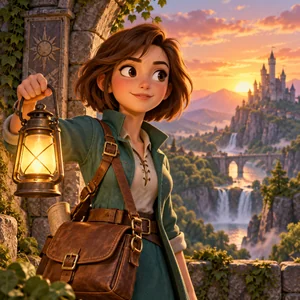
3D Cartoon
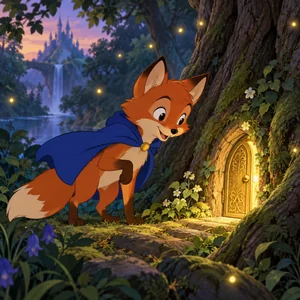
Rounded characters, tactile materials and playful illustrated environments with a three-dimensional cartoon look.
Useful for: Original fables, friendly adventures and explainers.
A 3D appearance does not mean a rigged character or continuous character animation.
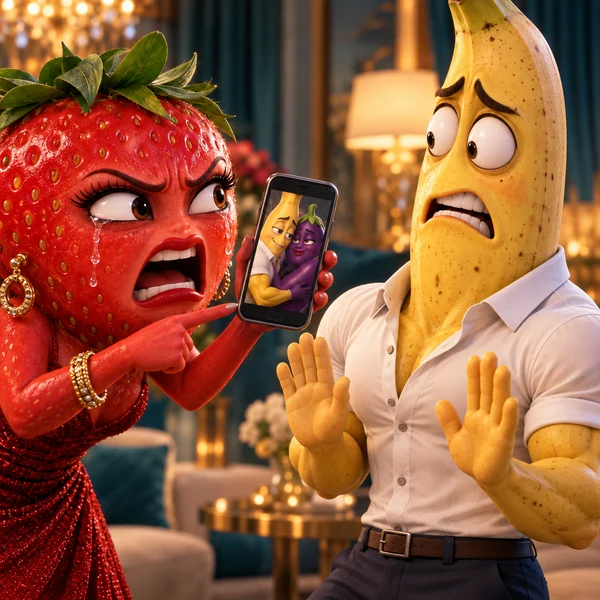
Every visible character, including extras, is an anthropomorphic fruit: recognizable fruit-shaped body, peel, integrated expressive face and fruit-colored limbs, never humans or fruit costumes. Keep each fruit species consistent. Polished cinematic 3D, rich textures, clothing and dramatic lighting. Original ideas favor romance, jealousy, secrets and heartbreak.
Useful for: Romance, jealousy, secrets, infidelity, heartbreak and emotional reconciliations.
All visible characters use fruit designs. Finished narration is preserved. Review generated identities and choose voice and music separately.
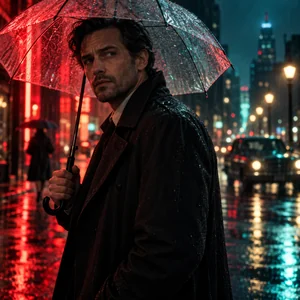
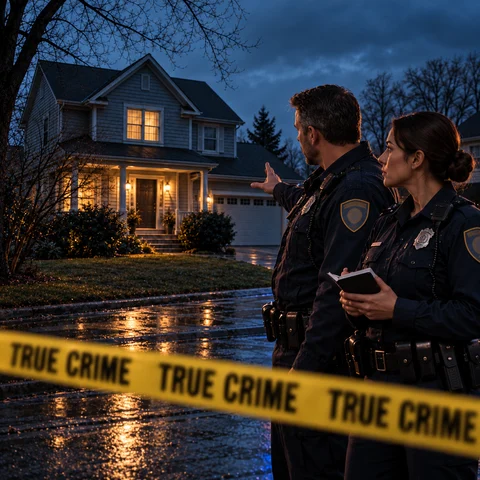
Photorealistic investigative-documentary imagery with restrained cool colors, natural textures and deliberate framing. Ideas receive a measured investigative narrative treatment.
Useful for: Crime investigations, case timelines and documentary reconstructions from checked source material.
Generated reconstructions are not evidence or archive footage. Verify the script; unresolved cases must remain unresolved. Voice and music are selected separately.
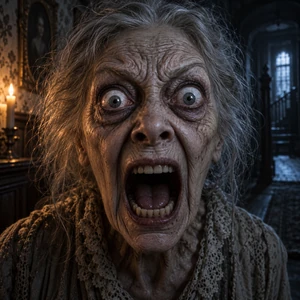
Ominous lighting and unsettling compositions. When starting from an idea, the planner also receives horror-tone guidance.
Useful for: Original suspense, supernatural mysteries and atmospheric horror.
The preset is not a complete sound-design switch. Choose and review voice and music separately; finished scripts are not silently rewritten into horror.
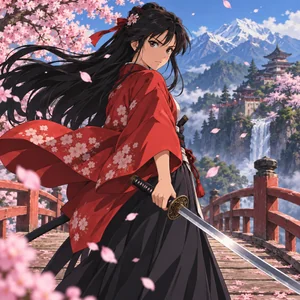
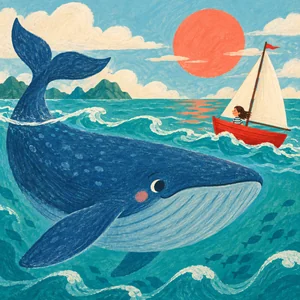
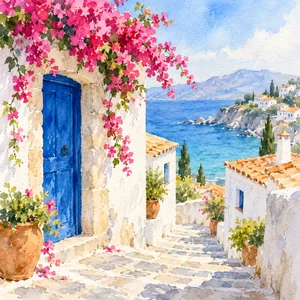
The square images are preset illustrations, not measured video results. The case pages identify actual exported demos separately. Named styles are directions, not affiliations, endorsements or licences to protected characters.
Optionally animate selected scenes or all eligible scenes with Fast (480p) or Quality (LTX, 1280 × 704 or 704 × 1280 source resolution) five-second silent clips, in 16:9 or 9:16. The assembled Full Video export is 720p. Motion is slowed to fit longer narration; this is not continuous character animation or lip-sync. Comic and square scenes are not supported by scene animation. Both public animation options support eligible Relax Mode with the same configured wait and lower priority as other Relax operations, without spending account credits. Free welcome or earned credits; automatic lower-priority Relax when credits are insufficient and no surveys are available, subject to eligibility, fair use and free capacity. Optional paid credits provide faster processing. No subscription is required. Each operation joins the normal lower-priority Relax queue. Media within the same admitted operation share its initial wait, then process sequentially with fresh capacity and daily-budget checks. Separate operations and regenerations have their own admission and wait. Completion time varies; long projects can take days.
Which visual styles can I use for a narrated story?
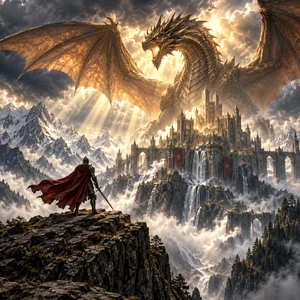
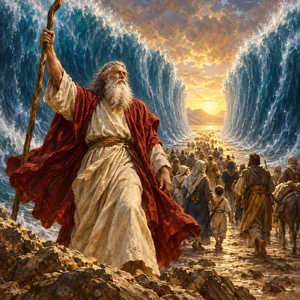
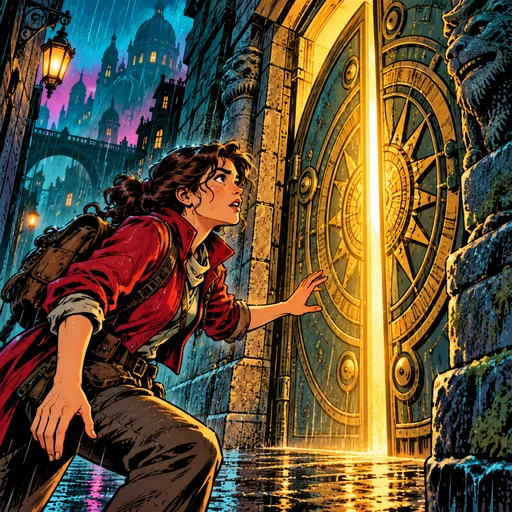
Visual presets in the editor: 3D Cartoon, Cinematic, Anime, Illustration, Fruit drama, Watercolor, Documentary, True crime, Realistic, Disney, Pixar, Epic, Bible Art, Comic, Horror. These guide the source-image appearance. Eligible 16:9 and 9:16 scenes can optionally be animated as five-second silent clips, including in eligible Relax Mode; Comic and square scenes are excluded. This does not promise continuous character animation or lip-sync. Genre, narration voice and music should be reviewed separately. Named studio presets do not imply affiliation or rights to third-party characters. Explore the public catalogue and recorded examples at https://donatello.studio/full-video-creator#visual-styles.
What is an AI full video creator?
It combines the steps needed for a complete narrated video: script, scenes, visuals, voiceover, subtitles, optional music and export. Donatello builds illustrated scenes with camera movement and transitions; eligible scenes can also become short AI-generated motion clips. It is not a single continuous AI-generated live-action video.
Can I turn my own script into a video?
Yes. Choose Finished script, or start with an idea and let Donatello prepare a story. Scripts within the supported length preserve their wording; longer scripts are adapted to the 20-minute target for review before media generation. Review the narration, characters and scene prompts. Spoken timing can differ from the requested duration.
Is Full Video Creator free, and how do credits work?
Yes. Free welcome or earned credits; automatic lower-priority Relax when credits are insufficient and no surveys are available, subject to eligibility, fair use and free capacity. Optional paid credits provide faster processing. No subscription is required. You do not select a separate Relax switch: eligibility is checked automatically. In eligible Relax generations no account credits are charged, including optional scene animation. Each operation joins the normal lower-priority Relax queue. Media within the same admitted operation share its initial wait, then process sequentially with fresh capacity and daily-budget checks. Separate operations and regenerations have their own admission and wait. Completion time varies; long projects can take days. Credit-funded reservations are shown before generation, with unused credits returned.
Does unlimited Donatello access mean unlimited Full Video projects?
Yes: there is no saved-project limit or lifetime generation quota. Unlimited does not mean simultaneous or instant. The maximum requested duration is 20 minutes per video. Relax processes media sequentially with lower priority, capacity waits and fair-use safeguards. Optional credits provide faster processing. These scheduling and per-video limits are separate from commercial-use permission.
What lengths, formats and downloads are supported?
Request videos up to 20 minutes at 720p HD in 16:9, 9:16, 1:1. Actual narration timing can extend the export; the renderer allows up to 5 extra minutes to avoid cutting speech, then fits longer audio. Download the MP4 or an asset ZIP with the script, images, narration, subtitles and music when included. Relax inputs are protected while their operation is queued or running and for 72 hours after it stops. Finished exports remain downloadable for 72 hours. Save your files before retention expires.
Can I edit the video before exporting?
Yes. Review and edit the story, recurring characters and scenes; choose the narration voice, visual style, camera movement, transitions and subtitle appearance. Background music is optional. Reuse existing project assets where possible; additional or regenerated media can require more credits, shown before the action.
Can I use the result for YouTube or commercial projects?
Commercial use is permitted under Donatello's Terms, subject to input and third-party rights. Copyright, exclusivity and platform monetization approval are not guaranteed. You must have the necessary rights to scripts, references, people, voices, trademarks and other third-party material.
Are my scripts and videos public?
No. This product page is public, but projects and their files remain private to the signed-in account that created them. Opening this page does not publish a project or give another user access to it.